Mosque Digital Signage: How to Display Prayer Times on Your Mosque TV
Learn how mosque digital signage displays prayer times on your mosque TV — setup, layouts, Iqamah countdown, themes, and troubleshooting in one guide.
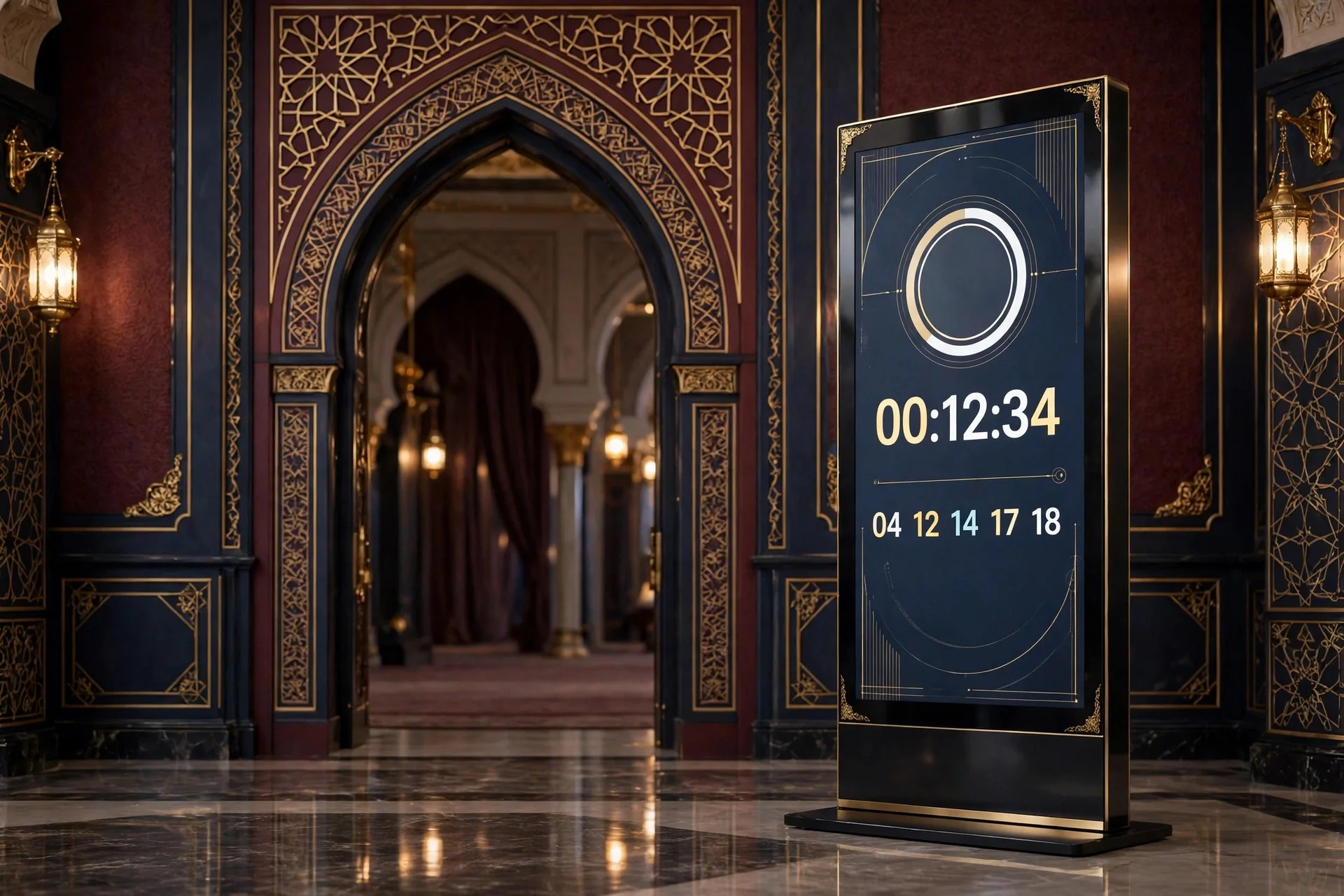
Many mosques still rely on a printed timetable, a whiteboard nobody updated, or a clock five minutes out. Worshippers ask when Iqamah is, or miss a Jumu'ah change.
Mosque digital signage fixes that. Prayer times live on a TV in the hall or lobby — large, clear, and always current. This guide shows how to set it up well.
What Is Mosque Digital Signage?
Mosque digital signage is a TV controlled by software that shows prayer times and mosque information automatically. It is not a PowerPoint left running on a laptop.
A good system has three parts: a prayer engine, a display app on the TV, and a dashboard where the committee updates times and notices from a phone or computer.
MinarOS is a Smart Mosque Operating System and Digital Signage platform built for this. Its Core Signage engine shows real-time prayer timetables, Hadith tickers, and urgent alerts. Screens are controlled from any smartphone or computer, and changes reach screens within 15 seconds, according to the demo Screens page.
What to Show on Screen — and What to Leave Off
People look at a prayer screen for three to five seconds. It must answer one question instantly: what is the next prayer, and when is Iqamah?
Show this: the next prayer, large, with Waqt and Iqamah times; the full timetable for Fajr, Dhuhr, Asr, Maghrib, and Isha, plus Sunrise, Jumu'ah, Ishraq, and Tahajjud; a live countdown; today's Hijri and Gregorian dates; Jumu'ah time; one short notice at a time in a slideshow; a Hadith ticker; and a small donation QR code only if it does not compete with the times.
Leave this off: clutter, tiny text, long videos, and outdated flyers. If someone at the back cannot read it, it does not count as displayed. Test from the furthest row: look up for five seconds — if you know the next prayer and Iqamah, the screen works.
Step-by-Step Setup
1. Choose hardware
Start with the TV you already have. MinarOS supports 4K UHD, 1080p Full HD, and vertical displays. Verified players are Fire TV Stick (FireOS 7+, Silk Browser/Kiosk), Android TV and Google TV (Android TV 9.0+, Chrome PWA Kiosk), Raspberry Pi 4/5, LG webOS 4.5+, and Samsung Tizen 5.0+. You can also use TV Client V2.5.0; the MinarOS.apk is 1.64 MB for Android 7.0+ / Fire OS 6+, and the Fire TV Downloader Code is 742918. Mount the TV at eye level, away from sunlight. See the Smart TV page.
2. Set location and calculation method
Set your location, then choose a calculation method and Asr method. MinarOS supports 12 calculation methods, including MWL, ISNA, Egypt, Umm al-Qura, Karachi, Tehran, Jafari, MUIS, UOIF, and others, with Hanafi and Shafi/Standard Asr. Set per-prayer Waqt and Iqamah offsets — for example, 15 minutes after Fajr Waqt — and the system applies them daily. Use bulk CSV import/export for 365 days if you have a yearly timetable. Check Jumu'ah scheduling, prohibited-time warnings, and Ishraq and Tahajjud. See the Prayer Engine page.
3. Pair the TV
Open https://minaros.com/tv on the TV to see a 6-digit pairing code. In the dashboard, go to Screens, enter the code, pick a theme and slides, and the screen updates live. Each extra screen gets its own code. Try it at MinarOS Demo, which needs no account, resets every 30 minutes, and includes a live TV preview.
4. Test like a worshipper
Test from the back row in daylight and at night. Change a notice from your phone, and turn the TV off and on — does the display return by itself? Train two volunteers, not one.
Portrait vs Landscape
Landscape (16:9, 21:9) suits most halls: a wide timetable, next prayer on one side, notices on the other. Portrait (9:16) suits narrow spaces — a pillar or corridor — reading like a poster with times stacked top to bottom. MinarOS supports both, with portrait (9:16) and landscape (16:9, 21:9) auto-layout. Keep the next prayer at the top or centre, and the font large.
Iqamah Countdown and Blackout
A good system does three things automatically. First, it counts down to Iqamah — in MinarOS, the countdown starts 1 minute before Iqamah. Second, it shows a calm notice during that minute, for example "Straighten your rows & silence your phones". You can set a custom notice for the countdown and blackout. Third, it dims to black during prayer and comes back after 12 minutes. No bright timetable glowing through Salah.
That blackout is respect for prayer, not a bug. The Takbir theme is designed for the Iqamah countdown. Does your screen know when prayer starts and ends, or must someone remember to turn it off? Automatic is the only reliable option.
Themes and Layouts
MinarOS offers 10 display themes: Mihrab, Noor, Rawdah, Barakah, Najm, Minaret, Qubbah, Takbir for Iqamah countdown, Amanah for finance, and Mishkat for slideshow. Mihrab and Minaret are clean classics for the main hall and are the two themes on the Free plan.
Automatic day/night styling around sunrise and Maghrib keeps the screen readable at Dhuhr without being harsh at Isha or Fajr. Anti-burn-in protection, using subtle pixel shifting and dynamic widget repositioning, reduces image retention when the same timetable shows for hours.
What Happens When Wi-Fi Drops?
MinarOS is an offline-first web app. With Service Worker caching and PWA offline caching, calculations, animations, and transitions run locally even without internet. If Wi-Fi drops at Asr, the screen keeps showing correct times and switching to blackout. Changes sync when the connection returns. Keep a printed timetable in the office as backup.
Troubleshooting
Wrong time: check location, calculation method, and Asr setting, then Waqt and Iqamah offsets. An old Ramadan offset may still apply.
Code screen again: re-enter the 6-digit code from https://minaros.com/tv under Screens. Check the stick has stable power.
Changes do not appear: wait 15 seconds, check internet, and confirm you edited the correct screen.
Text too small: increase the font, cut items on screen, or use a larger TV. Remove information; do not add more.
Too bright during prayer: check blackout is on and Iqamah times are correct. If Iqamah is wrong, blackout starts at the wrong time.
Frozen or blank: restart the stick or Pi, and check power, HDMI, and Wi-Fi.
Frequently Asked Questions
How much does mosque digital signage cost?
With MinarOS, Free is $0/month for 1 screen, with Mihrab/Minaret themes only and no credit card. Professional is $35/month monthly in USD, or $30/month annual, with unlimited screens on Pro. See Pricing.
Do I need internet for prayer times to show?
You need internet for setup and syncing, but not for the screen to keep working. MinarOS is offline-first, so the display continues if Wi-Fi drops.
Can I use a normal TV?
Yes. A standard TV with a Fire TV Stick, Android TV / Google TV, Raspberry Pi, or built-in LG webOS or Samsung Tizen browser can run it. Open https://minaros.com/tv for your code. See the Download page.
How do I set different Iqamah times for each prayer?
Set per-prayer Waqt and Iqamah offsets — for example, Fajr 20 minutes, Dhuhr 10 minutes, Maghrib 5 minutes. You can also import a full 365-day CSV.
Will the screen distract people during prayer?
It should not if blackout is set up. The screen dims to black during prayer and returns after 12 minutes, with a calm countdown notice in the minute before Iqamah.
Can I manage multiple screens?
Yes. Each TV pairs with its own 6-digit code, so hall, women's section, entrance, and classroom can share times from one dashboard. Professional includes unlimited screens.
Conclusion
You do not need five screens. You need one screen, in the right place, showing the right times clearly, and going dark at the right moment. Start with the main hall, get location, method, and Iqamah offsets right, pair the TV at https://minaros.com/tv, and test from the back row.
Try it first at MinarOS Demo — no account needed, it resets every 30 minutes, and includes a live TV preview. When ready, see MinarOS Pricing: Free is $0/month for one screen, and Professional is $35/month monthly or $30/month annual with unlimited screens. A clear screen means fewer questions, fewer missed prayers, and a calmer hall.