Mosque Website Builder: A Website That Stays Current
A mosque website builder should keep prayer times, events, and announcements current automatically — one dashboard update for your website and TV screens.
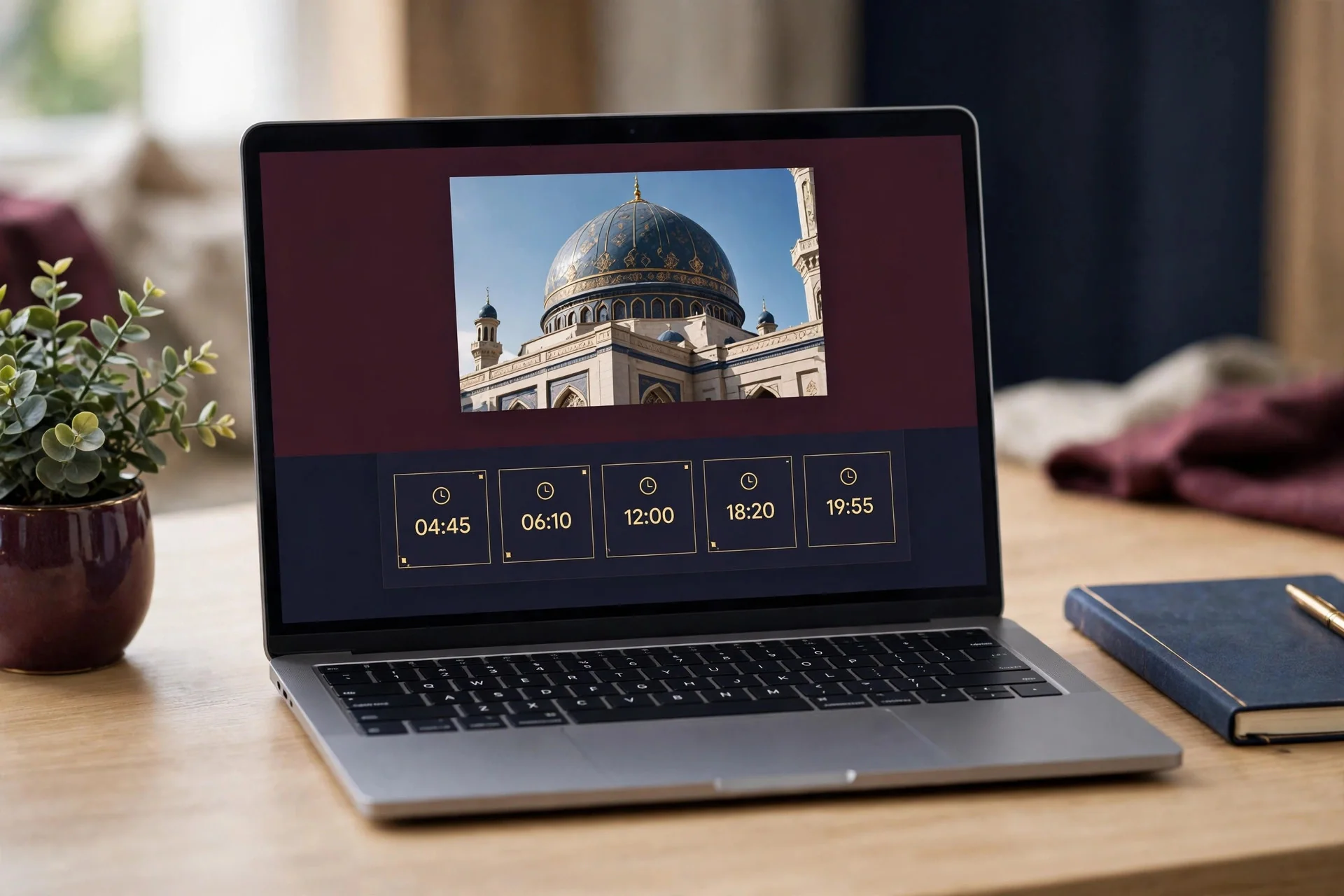
Most mosque websites do not fail because they look bad. They fail because they are out of date.
A visitor finds last year's Ramadan timetable, a Jumu'ah time from before the clocks changed, and an announcement about a fundraiser that finished months ago. Is any of this still true?
That is the real problem a mosque website builder has to solve. What a mosque needs is a website connected to the information it already uses every day — prayer times, events, announcements, sermons, and community news.
That is the idea behind the MinarOS Website Portals module. MinarOS gives each mosque an instant public portal fed by the same dashboard as its TV screens. Change a time once, and the website, the TV display, and the notices all update together.
Why Most Mosque Websites Go Out of Date
It is rarely a lack of care. It is a lack of time, and a workflow that makes updating hard.
In many mosques, the website was built once by a volunteer or an outside developer. Prayer times were typed in by hand, the Ramadan timetable was uploaded as a PDF, and events were added when someone remembered. Then the volunteer moved away or the login details were lost.
Meanwhile, prayer times change every day, Jumu'ah times change with the seasons, and events are planned, moved, and cancelled. A static website cannot keep up unless someone is constantly editing it.
A good mosque website builder should remove that burden by publishing the information the mosque already manages, automatically.
What a Mosque Website Builder Should Do
A mosque website builder should do three things well. First, it should let a mosque create a proper public website without hiring a developer. Second, it should keep the most important information current on its own. Third, it should give visitors what they came for: today's prayer times, the next Jumu'ah, upcoming events, and recent sermons.
MinarOS is built around that approach. It is a Smart Mosque Operating System and Digital Signage platform at minaros.com, and its Mosque Public Website Builder is one part of a connected system, not a standalone tool. The website, the TV screens, and the mosque's operations share the same source of information.
One Dashboard, Everywhere at Once
When a mosque updates a prayer time, an event, or an announcement in MinarOS, it does not need to update the website separately. The public portal draws from the same dashboard as the digital signage, so the Website Builder and the Smart TV screens stay in step.
That matters when a prayer time is adjusted, a special programme is announced at short notice, or a Jumu'ah time changes. In a disconnected setup, each change means editing a website, updating a slide, and printing a notice. In a connected setup, the change is made once and appears on the website, on the screen in the mosque, and in the notices the mosque shares.
Prayer Times That Match the TV Screen
Prayer times are the most visited part of most mosque websites, and the easiest part to get wrong.
The MinarOS public portal includes a real-time prayer timetable widget that uses the same calculation as the TV screens. That removes the most common source of confusion: the website saying one time and the screen in the mosque saying another.
The Prayer Engine supports 12 calculation methods, including MWL, ISNA, Egypt, Umm al-Qura, Karachi, Tehran, Jafari, MUIS, and UOIF, with per-prayer offsets and Jumu'ah scheduling. Mosques can choose the method that matches their community, so the website widget and the TV display show the same result.
More Than Prayer Times
The MinarOS portal also includes events, announcements, a YouTube sermon library, an articles and khutbah blog, committee profiles, a staff directory, photo galleries, and contact forms.
Together, they give a fuller picture of the mosque. A new visitor can find the next event and watch a recent sermon. A regular attendee can check what is happening this week without waiting for an announcement after prayer.
Because these sections are part of the same system, they stay current in the same way. An event added for the community appears on the website, and an announcement is published from where the mosque already manages its communications.
A Design That Fits Your Mosque
MinarOS offers six website themes: Classic Emerald, Modern Slate, Elegant Gold, Andalusian Mosaic, Midnight Noor, and Community Pulse. Each theme is available in light and dark modes.
The website can use a custom subdomain, in the form /website/:slug, or a custom domain with automatic SSL provisioning through Caddy On-Demand TLS. Each mosque gets its own built-in website at no extra cost, with the Website Management Module included in the Free $0 plan. Custom domain support is in the Professional plan: $35 per month billed monthly in USD, or $30 per month billed annually; £25 per month billed monthly, or £22.50 per month billed annually; ৳4,376.56 per month in BDT. All paid plans come with a 14-day money-back guarantee.
MinarOS also supports English, Bengali, and Arabic, with RTL support for Arabic.
How to See It Working
The best way to judge a mosque website builder is to try it. MinarOS provides a live demo at minaros.com/demo. It is a live sandbox that resets every 30 minutes, and no account is needed.
If you are comparing options, ask a practical question in the demo: if I change a prayer time or add an event here, where does it appear, and how quickly? If it takes several steps or several people, the website will eventually fall behind again.
Frequently Asked Questions
What is a mosque website builder?
A mosque website builder lets a mosque create and maintain a public website without building it from scratch or hiring a developer. In MinarOS, it gives each mosque an instant public portal with a real-time prayer timetable widget, events, announcements, a YouTube sermon library, articles and a khutbah blog, committee profiles, photo galleries, and contact forms.
Why do most mosque websites go out of date?
Because prayer times, events, and announcements are updated by hand in several places. When the person who built the site moves on, or the committee gets busy, the website is forgotten. A connected builder publishes the same information the mosque already manages for its TV screens, so one update keeps everything current.
How does MinarOS keep the website and TV screens in sync?
The website portal and the TV screens are fed by the same MinarOS dashboard. The prayer widget uses the same calculation as the TV display, including the same method, per-prayer offsets, and Jumu'ah scheduling. When a time, event, or announcement changes, the website and screens update from that same source.
Can I use my own domain name?
Yes. A mosque can use a custom subdomain, in the form /website/:slug, or a custom domain with automatic SSL provisioning through Caddy On-Demand TLS. Custom domain support is in the Professional plan. The built-in website itself is included in the Free $0 plan.
Is there a free way to try MinarOS?
Yes. The Website Management Module is included in the Free $0 plan. You can also explore the live demo at minaros.com/demo, a live sandbox that resets every 30 minutes and needs no account. Paid plans come with a 14-day money-back guarantee.
Conclusion: Stop Updating Your Website Twice
A mosque website should be a living reflection of the mosque — today's prayer times, this week's events, the latest sermon, and the next announcement. Too many fail because busy people must update the same information in several places, by hand, again and again, until something gets missed.
A connected mosque website builder changes that. Update a time once, and the website, TV screens, and notices all show the same information. Add an event once, and it appears where the congregation is already looking.
If your mosque website still shows last year's timetable, try the live demo at MinarOS Demo — no account needed. When you are ready, compare the plans on the MinarOS Pricing page and start with the free Website Management Module in the Free $0 plan.