How to Choose a Prayer Time Display for Your Mosque (TV vs Raspberry Pi vs Fire Stick)
Compare Smart TV, Fire TV Stick, and Raspberry Pi prayer time displays for your mosque — setup, reliability, cost, and which option fits your hall best.
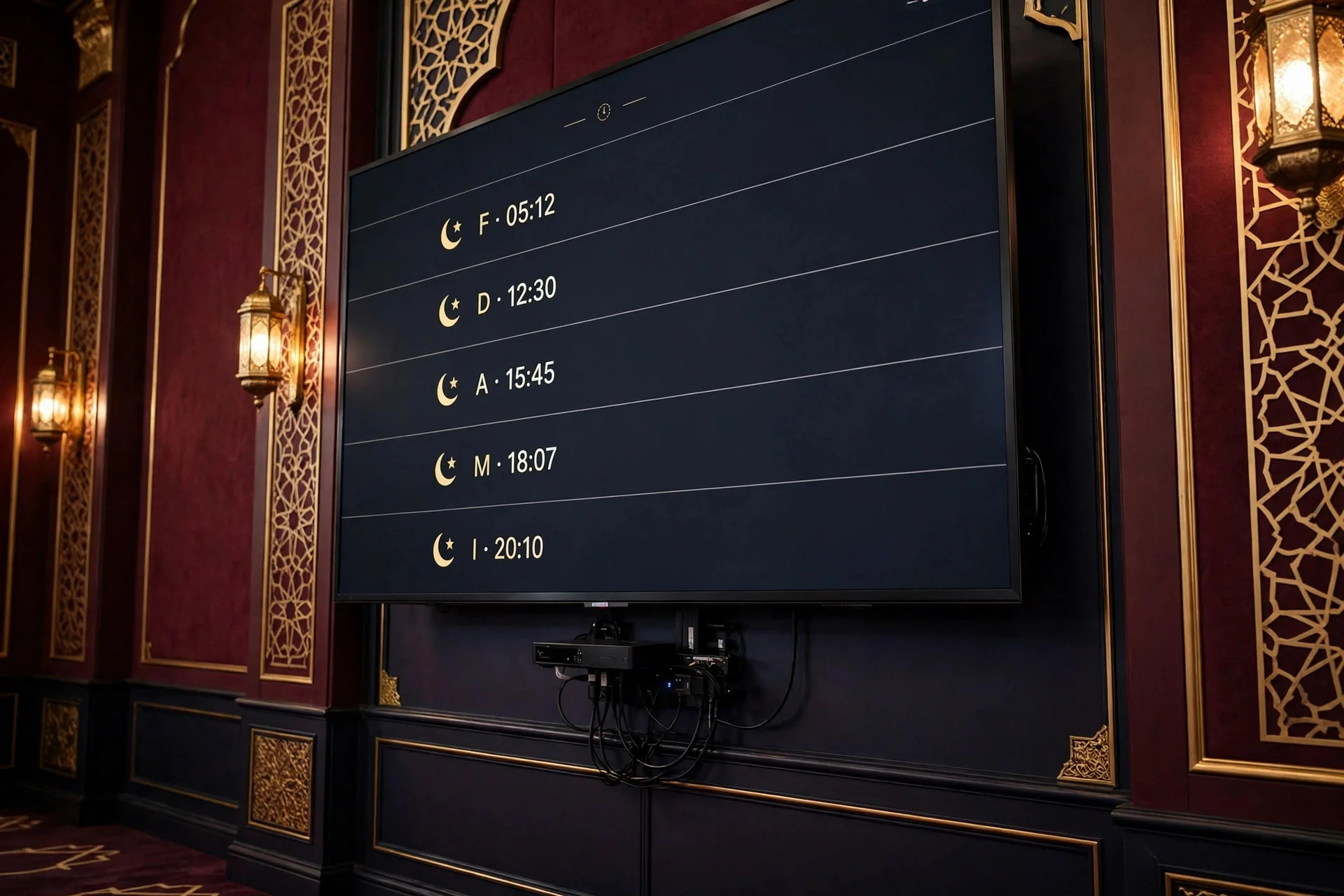
Walk into almost any mosque today and you will see a screen showing prayer times, the next Iqamah, and the Jumu'ah time. When it works, nobody thinks about it. When it freezes or goes blank on a Friday, everybody notices. A Smart TV, an Amazon Fire TV Stick, and a Raspberry Pi can all show prayer times beautifully — but they differ in setup, reliability, cost, and who fixes them.
What to Decide Before You Buy
What do you already have? If you own a modern Smart TV, you may need no new hardware. If you have an older TV with HDMI, a small add-on may be cheapest.
How reliable is your Wi-Fi? Weak Wi-Fi in a thick-walled hall will frustrate everyone. MinarOS TV is an offline-first PWA with Service Worker caching, so it keeps showing prayer times if the connection drops — but use Ethernet where possible.
Who will maintain it? If one volunteer sets it up and then moves away, a system needing command-line fixes will fail. Choose one another member can restart and re-pair.
Portrait or landscape? Portrait (9:16) suits a narrow entrance; landscape (16:9 or 21:9) suits a large hall. MinarOS supports automatic portrait and landscape layouts, so let the room decide.
How big is the hall? A small musallah needs only Full HD. A large hall needs a bigger, brighter screen readable from the back. MinarOS needs at least 1080p Full HD; 4K UHD is recommended for larger displays.
What is your real budget? Include the mount, cabling, and software. MinarOS Free is $0/month for one screen (Mihrab and Minaret themes). Professional is $35/month monthly, or $30/month annually, with unlimited screens and all 10 themes.
Prayer times shift daily and depend on your calculation method. MinarOS supports 12 methods, with per-prayer offsets and Jumu'ah scheduling — see the prayer engine page.
Option 1: Smart TV — The Simplest Setup
With a Smart TV, screen and computer are one device. Open MinarOS at https://minaros.com/tv in the TV browser, enter the 6-digit pairing code, and it is linked to your mosque. MinarOS supports Android TV and Google TV (Android TV 9.0+), LG webOS 4.5+, and Samsung Tizen 5.0+.
Pros: fewest parts; one power cable and, ideally, one Ethernet cable; no dongle to unplug.
Cons: TV browsers vary and older TVs may feel slow; updates depend on the TV maker; if the TV fails, you lose screen and player together.
Best for: a mosque buying a new TV, or one with a recent Android TV, Google TV, LG webOS, or Samsung Tizen TV (Smart TV page: https://minaros.com/services/smart-tv).
Option 2: Fire TV Stick — The Best Upgrade for an Existing TV
If your mosque has a good TV that is not "smart" enough, or a Smart TV with a slow browser, a Fire TV Stick is often the best-value upgrade. Plug it into HDMI, connect to Wi-Fi or Ethernet, and open MinarOS in the Silk Browser in kiosk mode. MinarOS calls this its Top Pick and supports FireOS 7+.
There is also a native MinarOS TV Client V2.5.0: MinarOS.apk (1.64 MB) for Android 7.0+ / Fire OS 6+, Downloader Code 742918.
Pros: turns almost any HDMI TV into a display; small and easy to replace or swap; familiar remote; a practical way to standardise different TVs.
Cons: needs stable Wi-Fi unless you add an Ethernet adapter; another device, cable, and remote to track.
Best for: mosques with a sound existing TV, tight budgets, and second screens in an entrance or sisters' hall.
Option 3: Raspberry Pi — The Most Flexible, Hands-On Choice
A Raspberry Pi is a small, low-power computer that drives a TV or commercial display through HDMI. It is the most flexible option — and the one needing the most technical confidence. MinarOS supports Raspberry Pi 4 and 5 on Raspberry Pi OS Lite, with Wayland or X11 Kiosk mode and HDMI CEC. Open https://minaros.com/tv, pair it with the 6-digit code, and leave it in kiosk mode.
Pros: full control over display, startup, and power; works with commercial signage displays; small, quiet, and energy-efficient; strong for several screens.
Cons: needs someone comfortable with Linux; more parts — Pi, power supply, storage, case, and cables; updates fall on your volunteer.
Best for: mosques with a technically confident volunteer and multi-screen setups. If nobody enjoys this kind of setup, choose a Smart TV or Fire TV Stick instead.
Smart TV vs Fire TV Stick vs Raspberry Pi: Comparison
| Factor | Smart TV | Fire TV Stick | Raspberry Pi |
|---|---|---|---|
| Setup | Easiest | Easy | Most technical |
| Extra hardware | None | Stick + power | Pi + power + storage |
| Best when | Buying a new TV | You already have a TV | You want full control |
| Maintenance | Low | Low | Medium to high |
| Multi-screen | Good | Good | Excellent |
The software experience should be the same on any of them: accurate prayer times, a clear Iqamah countdown, and announcements. MinarOS offers 10 themes — Mihrab, Noor, Rawdah, Barakah, Najm, Minaret, Qubbah, Takbir, Amanah, and Mishkat — with day and night ambiance, a Hadith and announcement ticker, and anti-burn-in pixel shifting. It blacks out during prayer: the countdown starts one minute before Iqamah, and the display returns after 12 minutes. Minimum: Android 7.0, Fire OS 6, or Linux 5.x, 1.5 GB of RAM, 2.4 GHz Wi-Fi at 5 Mbps. Recommended: Android 11+, Fire OS 7+, or Debian 12, 2–4 GB of RAM, Ethernet or 5 GHz Wi-Fi. See the MinarOS download page.
Which Setup Fits Your Mosque?
- Small musallah, one screen, no technical volunteer: a Smart TV, or a Fire TV Stick on the TV you already have.
- Medium mosque, weak Wi-Fi: prefer Ethernet and the device your volunteers find easiest to restart.
- Large mosque, several screens, a confident volunteer: a Raspberry Pi or standardised Fire TV Stick setup at the entrance, main hall, and sisters' hall.
- New building or renovation: plan screen positions, power, and Ethernet first.
For a tiny musallah, a printed timetable or simple prayer clock can be enough. A digital display is worth it when announcements must reach everyone at once, you have more than one prayer space, or volunteers spend too much time updating paper timetables. If unsure, try the MinarOS demo — a live sandbox that resets every 30 minutes and needs no account.
Frequently Asked Questions
What is the best prayer time display for a mosque?
There is no single best option. A Smart TV is best for simplicity, a Fire TV Stick is best for upgrading an existing TV, and a Raspberry Pi is best for full control.
Can I use a normal TV as a prayer time display?
Yes. Any TV with HDMI can work with a Fire TV Stick or Raspberry Pi, and many modern Smart TVs can open MinarOS directly at https://minaros.com/tv.
Do I need internet for a mosque prayer time display?
You need internet for setup, pairing, and updates. After that, MinarOS TV is offline-first, with Service Worker caching, so it keeps displaying times if the connection drops.
Should a prayer time display be portrait or landscape?
Portrait (9:16) suits narrow entrances; landscape (16:9 or 21:9) suits wide halls. MinarOS supports automatic portrait and landscape layouts.
How many screens does a mosque need?
Most mosques start with one screen in the main hall or entrance. Larger mosques often add one for the sisters' hall. MinarOS Free covers one screen; Professional includes unlimited screens.
Can I try MinarOS before choosing hardware?
Yes. Open the live demo — no account is needed, and the sandbox resets every 30 minutes. Test it on the TV you plan to use, then check pricing.
Conclusion: Choose the Setup You Can Maintain
The best prayer time display is not the most powerful device — it is the one that stays accurate, readable, and running week after week. Start with what you already own.
To see how MinarOS would look in your mosque, try the live demo, explore the TV display, and compare plans on pricing.